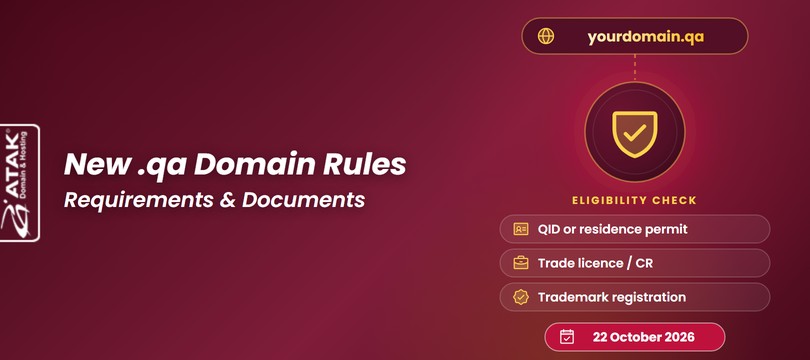
.qa Domain Rules Are Changing: Qatar’s New Registration Requirements and Documents
21.10.2026
Learn step-by-step how to easily activate a free Let's Encrypt SSL certificate on cPanel and Plesk Panel. Secure your website today!
In this article, we will explain how to generate a CSR on cPanel, validate the SSL, and complete the installation steps.
In this article, we will examine the differences between Domain Validated SSL (DV SSL) and Organization Validated SSL (OV SSL) certificates.
In this article, we will explain step-by-step how to renew an SSL certificate.
Learn how to install an SSL certificate on IIS, add HTTPS binding, redirect HTTP to HTTPS, and verify your SSL setup on Windows Server.
Learn how to generate a CSR code in IIS on Windows Server step by step. Create, verify, and submit your CSR before activating your SSL certificate.
Plesk panel üzerinden SSL Kurulumu Nasıl yapılır? Plesk panelde ücretsiz SSL kurulumunu aşağıdaki adımları takip ederek gerçekleştirebilirsiniz.
Install SSL on cPanel easily with this step-by-step guide covering CRT upload, Autofill by Certificate, HTTPS redirect, and SSL verification.
Information on SSL Installation and help documentation.